
Halloween Magic
Create your own magical Halloween creature in 4 easy steps!
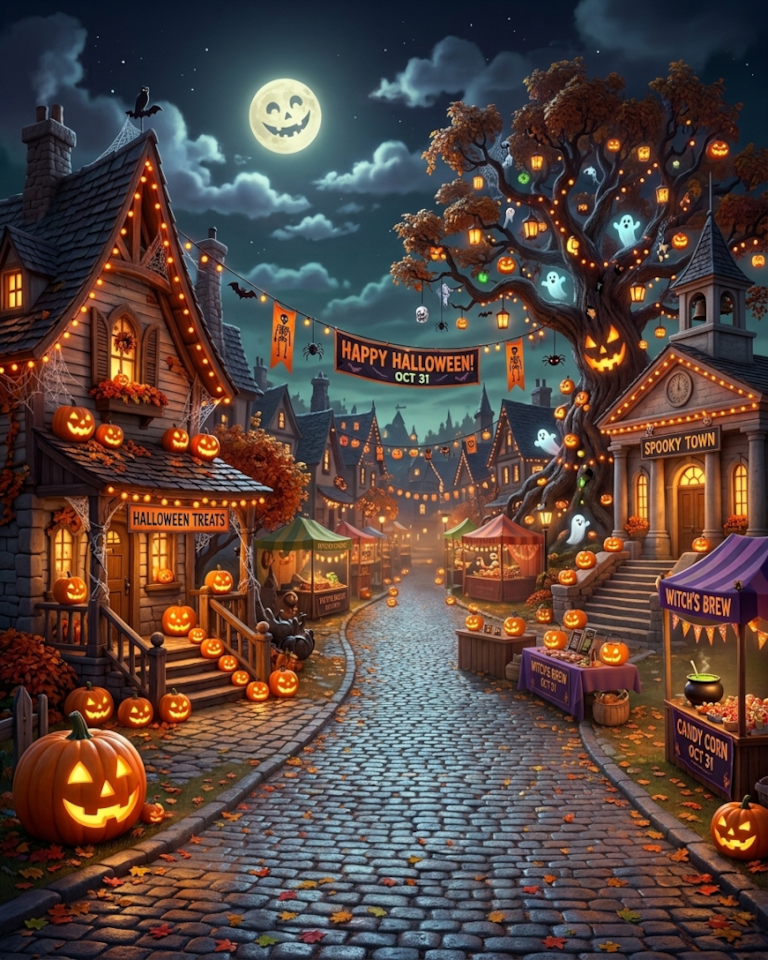 This image is currently unavailable.
Draw your cards.
Motif, look, details and your greeting: pick card by card, reshuffle if nothing fits, then play your hand. Rather be surprised? Open a booster.
What character should it be?
What colors should your costume have?
Choose an accessory.
Choose your greeting card message
Your Summary
Your hand is complete. Tap a card above to swap it.
Today’s web budget is used up. The website is back at midnight, the app works right now.Get the app
That’s it on the web for today
The website’s shared daily budget is used up. Keep generating for free in the OpenPix app right away; the website is back at midnight.
A jack-o'-lantern winks through the fog...
Your personal artwork is being generated...
From the community
39 images created with this campaign
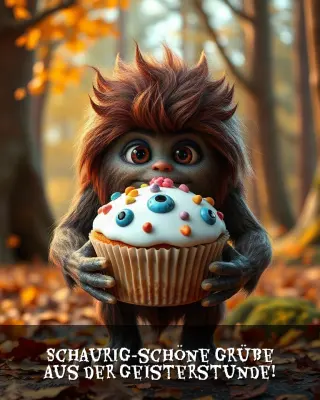
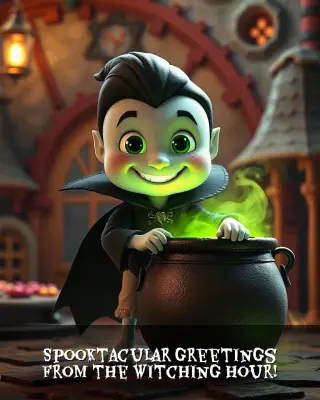
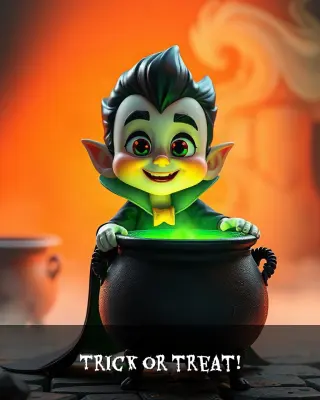
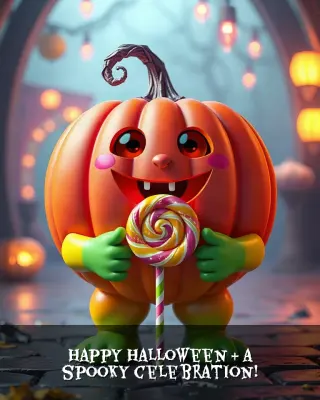
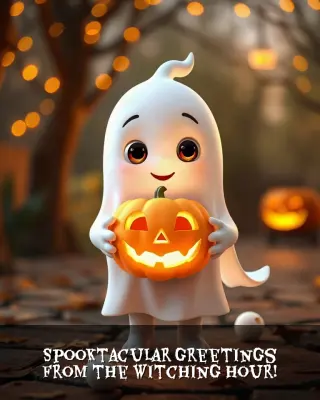
4 steps to your image
Combine character, colors, props, and your favorite greeting message into a unique artwork.
-
01
Choose Your Character
Select your favorite subject – such as Witch, Scarecrow, Pumpkin and Ghost or many other whimsical characters.
Examples:- Witch
- Scarecrow
- Pumpkin
- Ghost
-
02
Customize Style & Palette
Choose the color atmosphere of the outfit and environment for the perfect look.
Examples:- Dark and mysterious
- Poison green and violet
- Colorful
- Metallic and magical
-
03
Add Props & Accessories
Enhance your card with exciting props, treats, or magical accessories for more personality.
Examples:- Glowing Jack-o'-lantern
- Full candy bucket
- Bubbling witch's cauldron
- Giant lollipop
-
04
Select Greeting Card Text
Pick from curated greeting presets rendered directly onto your card with thematic typography:
Examples:- Happy Halloween & a spooky celebration!
- Trick or treat!
- Spooktacular greetings from the witching hour!
- Wishing you a terribly great Halloween!
Frequently Asked Questions (FAQ)
Everything you need to know about creating, downloading, and sharing your card.
Guides & TipsIs creating a greeting card for Halloween Magic free?
Yes! You can create your personalized greeting card for Halloween Magic completely free of charge and without any registration directly in your browser.
How can I share or download the completed card?
After generation, you can save the artwork in high resolution to your phone or computer with a single click, or easily share it with friends and family.
What is the format and resolution of the greeting cards?
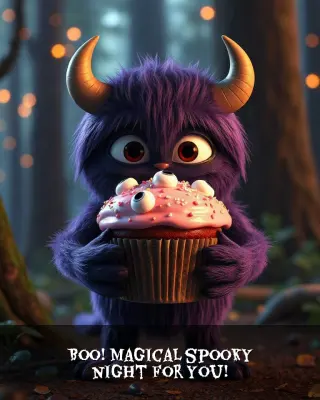
Cards are rendered in an optimal portrait aspect ratio (768 x 960 pixels) featuring a sleek reading bar and custom festive font – perfect for WhatsApp, social media stories, or printing.
Can I regenerate the card multiple times?
Of course! If you want to try different colors, accessories, or greetings, simply tap 'Restart' or adjust specific steps in the summary.