


Prompt Engineering, Tutorials & Creator Knowledge
Learn how to eliminate AI image glitches, simulate real camera sensors in prompts, and craft breathtaking artwork with OpenPix.
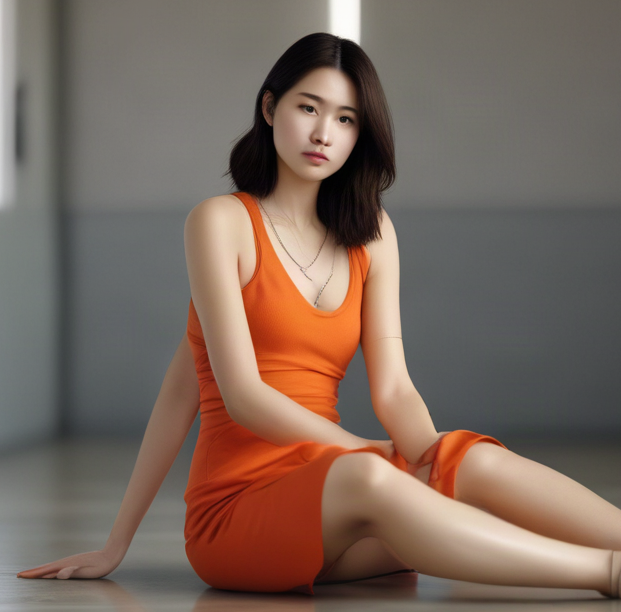
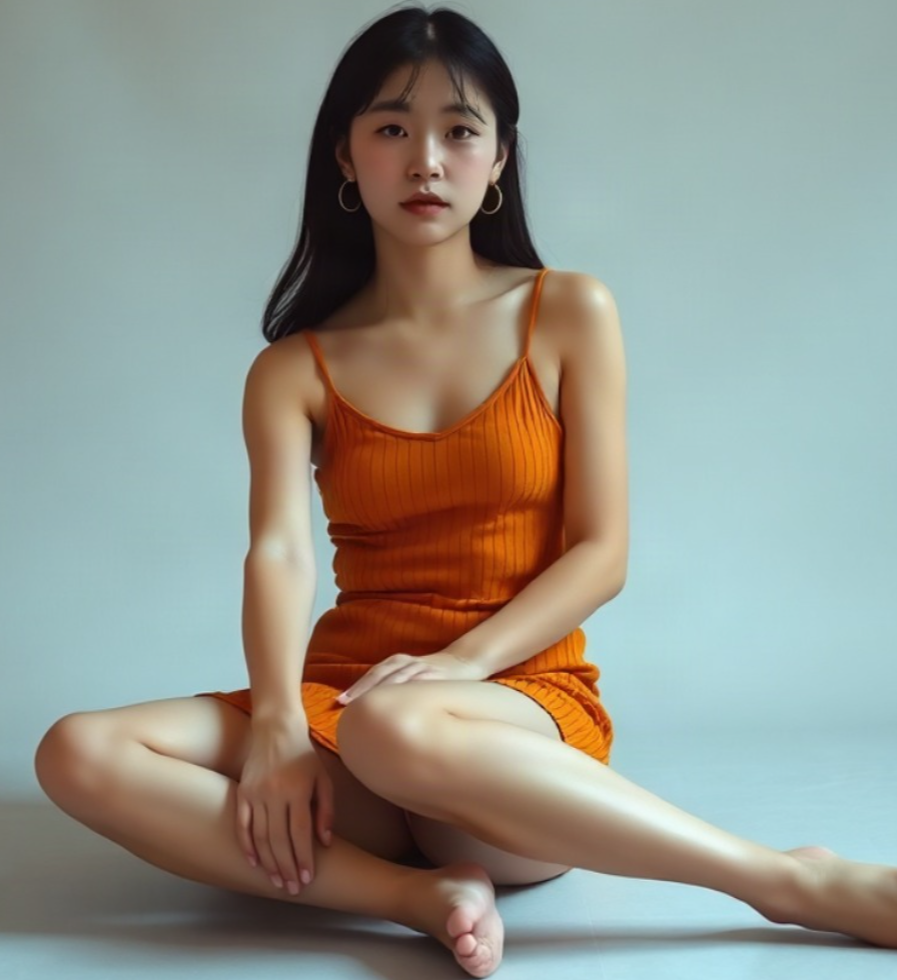
Mastering AI Anatomy: Fixing Hands, 3 Arms, and Glitches in Prompts
Why diffusion models occasionally generate extra limbs during complex poses – and how to achieve anatomically flawless body compositions using spatial cues and the OpenPix Prompt Enhancer.
Read guide
The 4 Pillars of a Perfect AI Prompt: From Idea to Masterpiece
Structure beats luck: How to systematically arrange subject, environment, lighting, and optics to achieve predictable, stunning results every time.
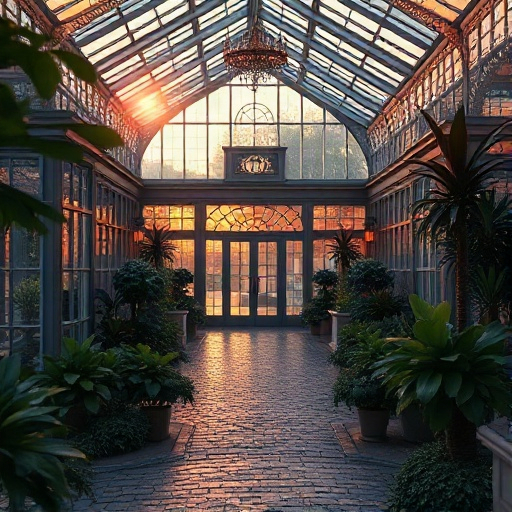
Camera Optics & Sensors: Hasselblad vs. Canon in AI Prompts
Discover how focal lengths from 35mm to 85mm and aperture values like f/1.4 define depth of field, face geometry, and portrait realism.
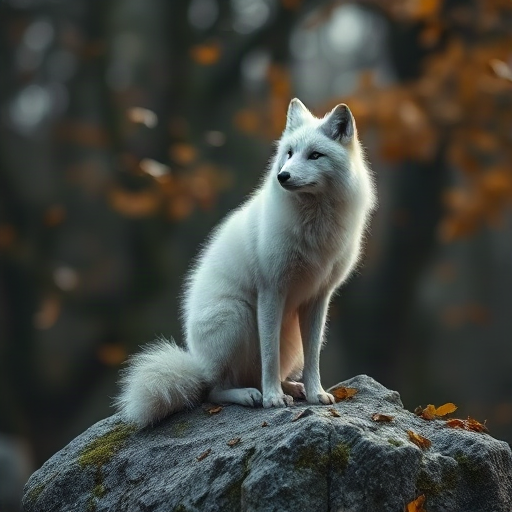
Cinematic Lighting: Hollywood Volumetrics & Rembrandt Shadows
Light dictates emotional depth. Master volumetric god rays, rim lighting, and dramatic chiaroscuro contrast in your prompts.
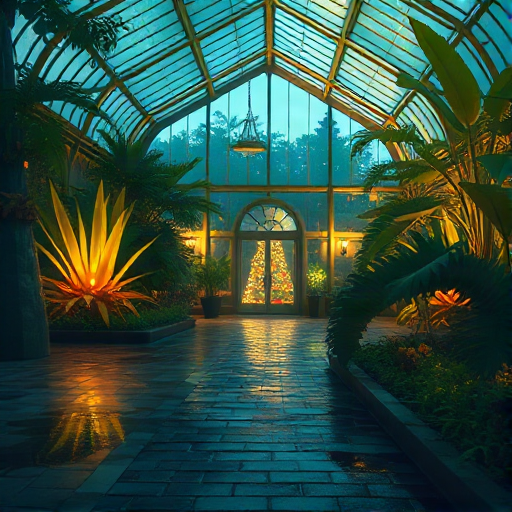
Anime & Cel-Shading: Shinkai Skies and Sharp Silhouette Contours
Immerse yourself in Japanese animation aesthetics. Generate radiant color gradients, painterly cloudscapes, and crisp lineart.
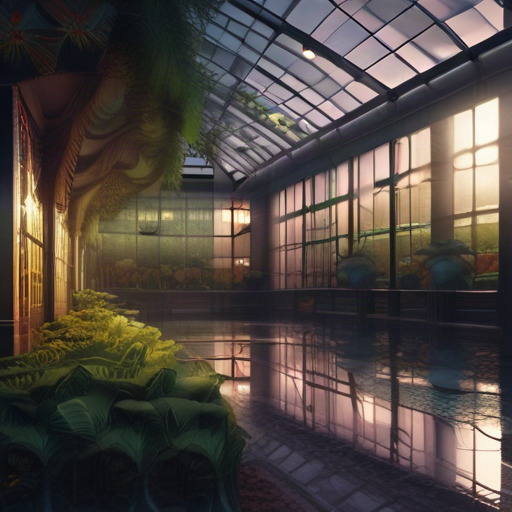
Distortion-Free Hands & Fingers: The Best Negative Prompt Formulas
Hands are considered the ultimate test in AI generation. Here are proven prompt formulations for realistic knuckles, palms, and gestures.
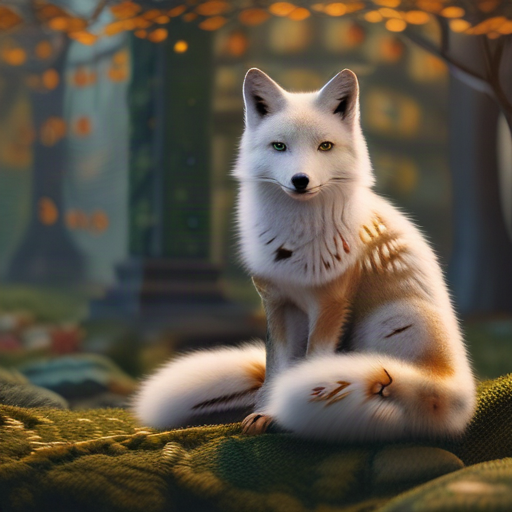
Controlling Color Harmony: Teal & Orange, Pastels, and Monochromes
Color conveys emotion instantly. Learn how complementary contrasts and saturation tuning define the mood of your artwork.
Supercharge Your Prompts with One Click
Tired of manual prompt debugging? Simply enable the "Enhance Prompt" switch in our Studio. Our AI automatically injects camera optics, harmonious lighting, and filters out anatomical glitches.