


Better prompts for Isometric 3D
Isometric 3D prompts with clear geometry, restrained materials and a consistent viewpoint.
A guide by OpenPix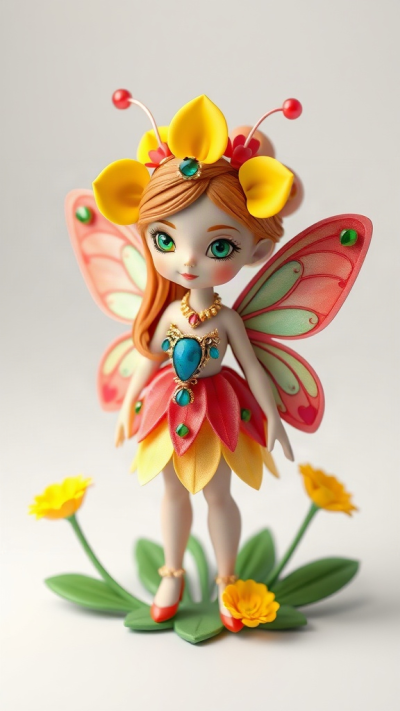
How to direct this visual style
Choose a fixed elevated three-quarter view. Describe simple volumes and their arrangement. Camera terms are visual guidance; exact technical isometry may need editing afterward.
From subject to a readable scene
Start with one clear subject and a specific action. Then describe the setting, framing and light. Select the matching style in the OpenPix studio; the style already adds visual guidance. Add details that support your scene instead of stacking conflicting styles.
Detailed example prompts
Example 1: A clear main subject
A tiny greenhouse as a freestanding 3D diorama on a square base. Elevated isometric three-quarter view, cream walls, three large plants, matte clay materials, soft studio light from upper left, gentle shadows and an empty pale-blue background.
The base, viewpoint and limited object count make the diorama easy to understand.
Example 2: A distinct scene
A miniature bakery as an isometric 3D model. Open front with a wooden counter, two bread baskets and one round oven, simplified geometric shapes, matte pastel materials, one consistent elevated camera position and a neutral background.
The second scene applies the same visual language to another situation. The subject, spatial arrangement and light source are explicit, keeping the variation deliberate.
Best practices for your images
- Keep the camera angle and base shape unchanged across a series.
- Create a simple version first. Then change only the action, light or perspective at a time and compare results. Keep the strongest prompt together with the style you used.
Common mistakes and limitations
- Too many miniature objects and mixed vanishing points weaken the model effect.
- Prompts guide generation but cannot guarantee identical details or a specific resolution. Check hands, lettering, geometry and small objects before using an image.