


Better prompts for Watercolor
Watercolor prompts with paper texture, transparent washes and deliberate unpainted space.
A guide by OpenPix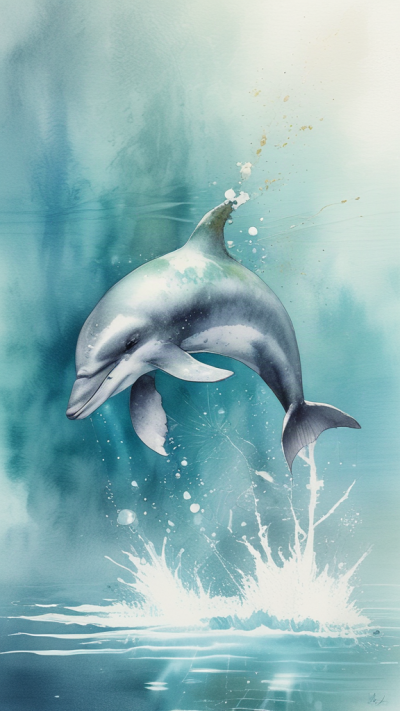
How to direct this visual style
Watercolor relies on transparent layers and varied edges. Specify which areas should bleed softly and where a few precise lines keep the subject readable.
From subject to a readable scene
Start with one clear subject and a specific action. Then describe the setting, framing and light. Select the matching style in the OpenPix studio; the style already adds visual guidance. Add details that support your scene instead of stacking conflicting styles.
Detailed example prompts
Example 1: A clear main subject
A small olive branch beside a white ceramic bowl. Transparent sage-green watercolor washes, visible cold-pressed paper, softly bleeding shadows, a few fine leaf outlines, generous unpainted space and a calm botanical composition.
Paper white and transparent layers define the medium; precise leaves keep the object recognizable.
Example 2: A distinct scene
A quiet coastal village with three white houses and one small sailboat. Airy watercolor, horizontal blue washes, loose ochre roofs, soft cloud edges, sparse dark accents, visible paper white and a simple clear composition.
The second scene applies the same visual language to another situation. The subject, spatial arrangement and light source are explicit, keeping the variation deliberate.
Best practices for your images
- Reserve crisp edges for the main subject and let the background dissolve.
- Create a simple version first. Then change only the action, light or perspective at a time and compare results. Keep the strongest prompt together with the style you used.
Common mistakes and limitations
- Mirror gloss and solid 3D-render cues conflict with an airy watercolor effect.
- Prompts guide generation but cannot guarantee identical details or a specific resolution. Check hands, lettering, geometry and small objects before using an image.